The weather on your route, at the hour you ride through it
Load a GPX or KML route, set your start time and speed, and MeteoRide shows rain, wind and temperature for every stretch at the time you will be there.
- 3 weather providers
- 9 languages
- 0 accounts or ads
- 100% open source
For anyone heading out
- MTB
- Road
- Gravel
- Hiking
- Trail running
What it does
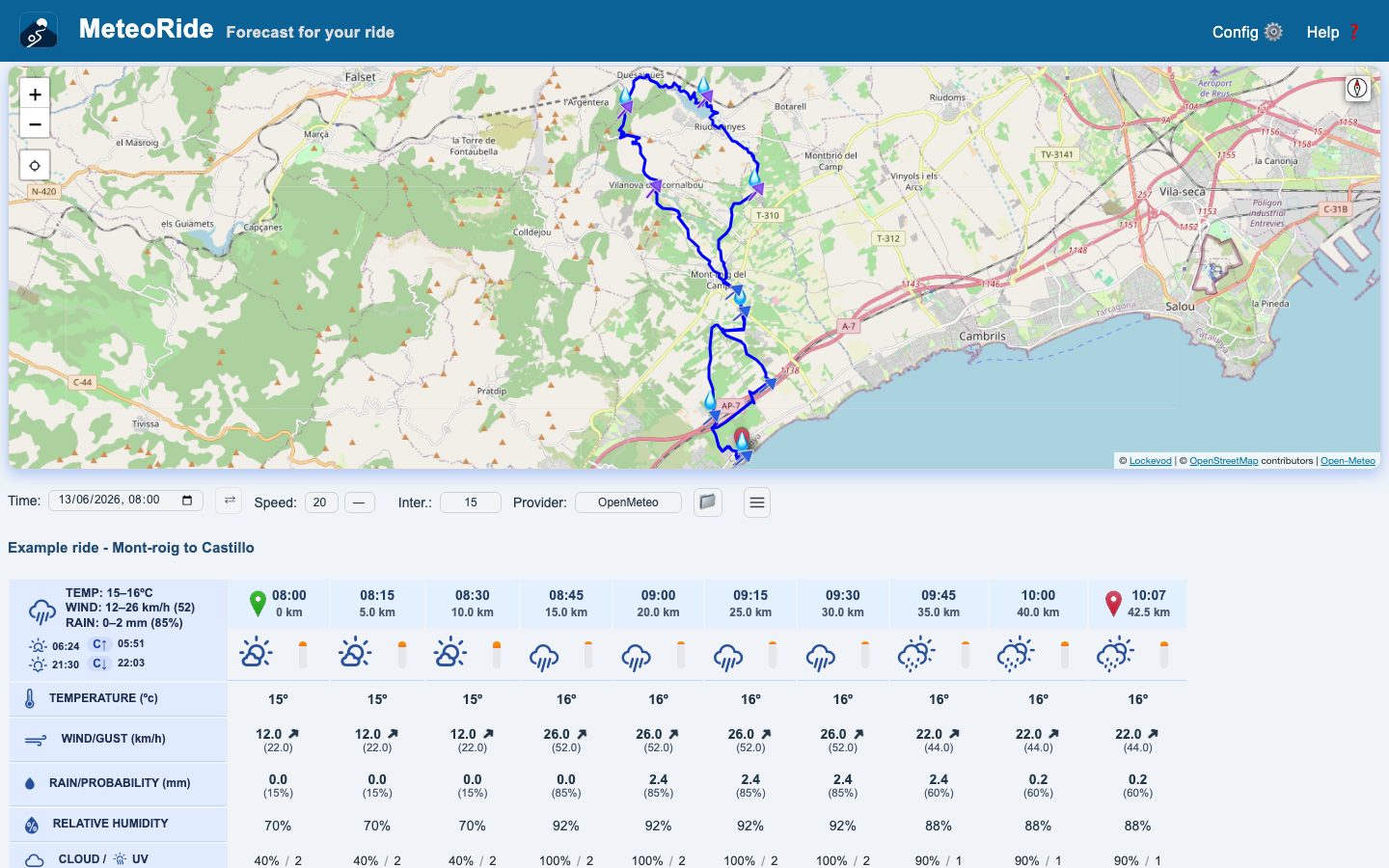
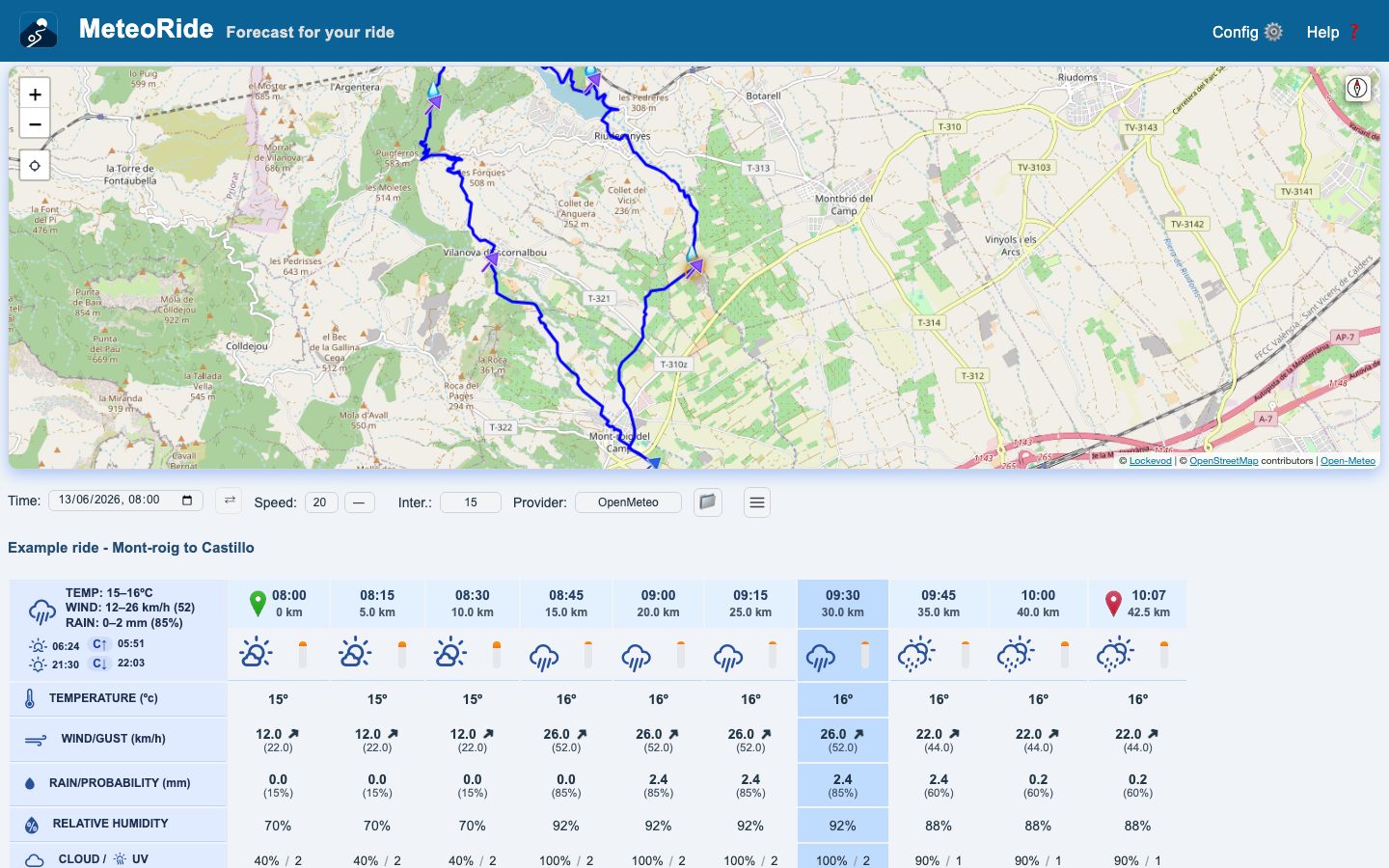
Weather per stretch
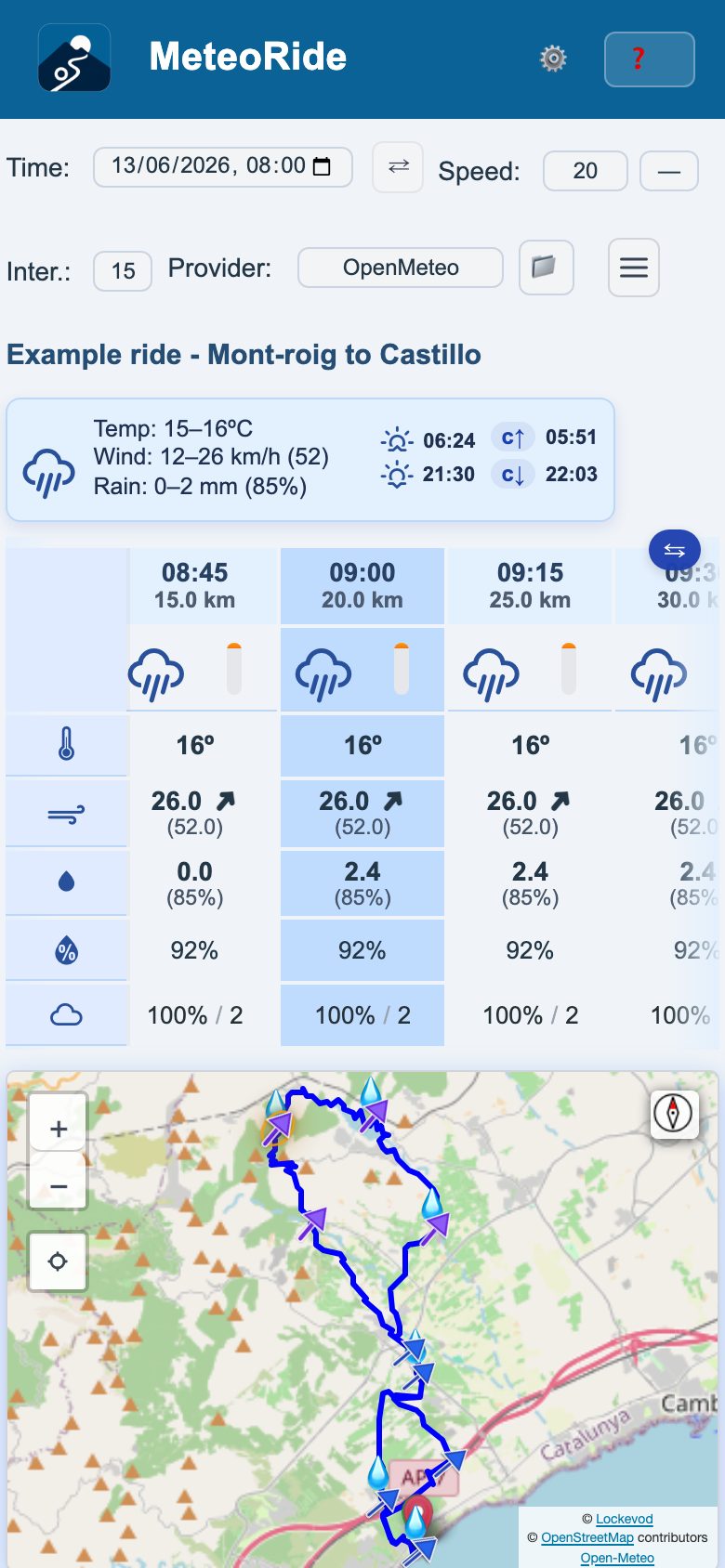
Temperature, wind and gusts, rain and its probability, humidity, cloud and UV for each point, at the hour you pass it.
On the route map
Wind arrows and rain droplets along the route. Tap a column of the table and the map centres on that point.
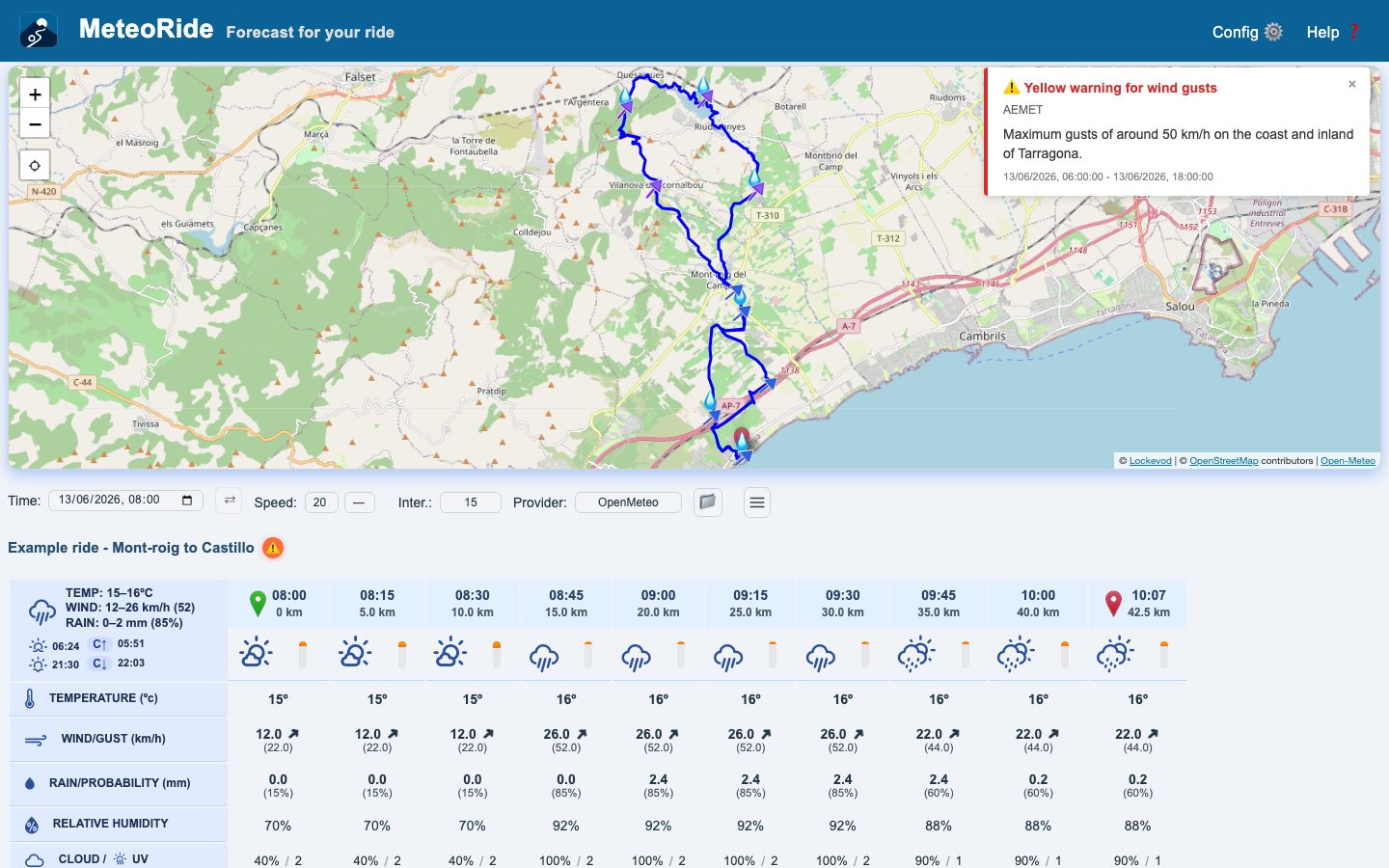
Official warnings
The warnings of national weather services that overlap your ride, through OpenWeather with your own key.
Alerts if it changes App
The app keeps watching the route and tells you if rain, wind or strong gusts, or an official warning appear for the hours you will be out.
Out of signal App
Prepare the route at home with 📴: the route and its table are still there when you lose coverage.
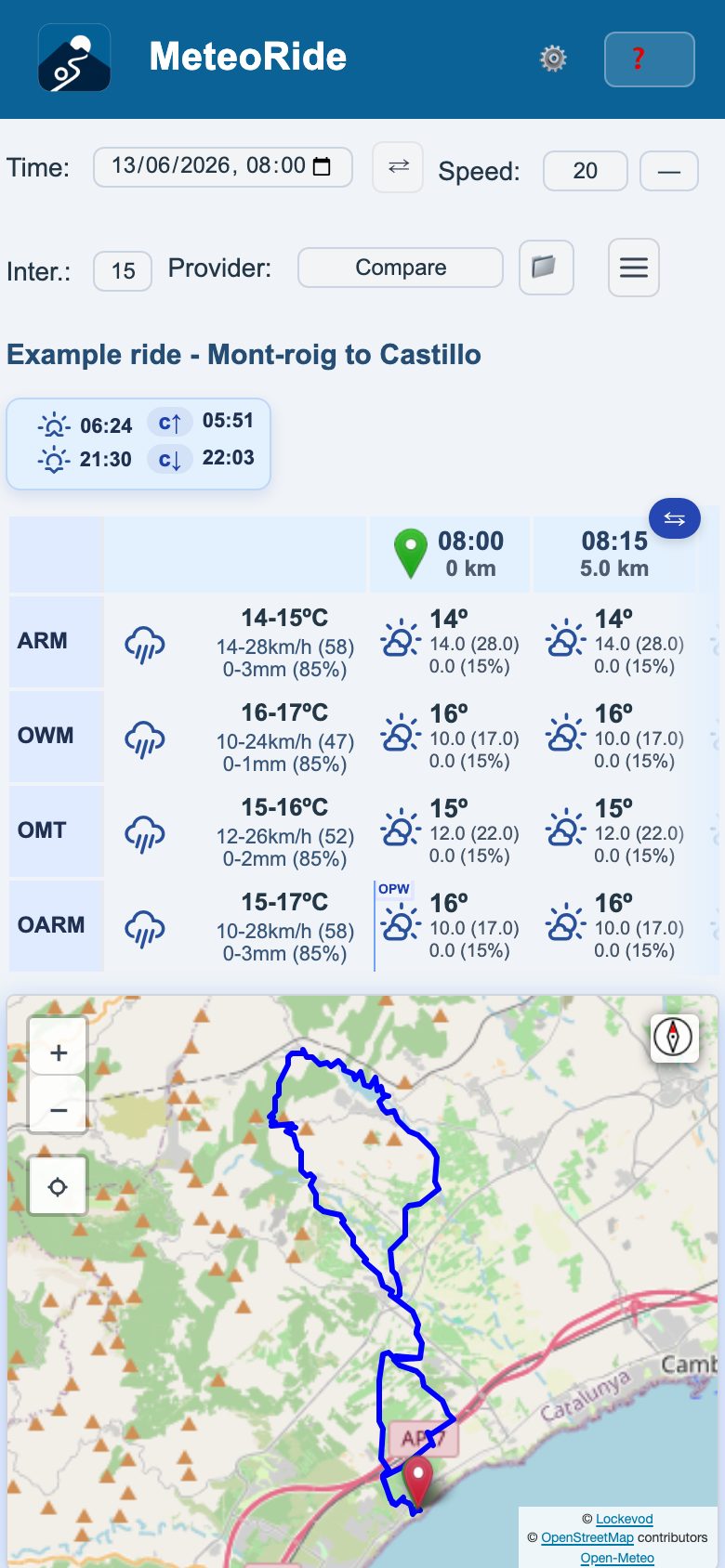
Compare
Providers side by side over the same route, or two start times to pick when to leave.
Share routes App
Receive a GPX from Komoot, Strava or Files, and send it on to your head unit, Files or mail.
From Komoot and Bikemap Web
Optional userscripts add a button on Komoot, Bikemap and Hammerhead that opens the route in MeteoRide.
Every stretch, at the hour you get there
Each column is a point on the route: time and distance, temperature, wind with gusts, rain in mm/h with its probability, humidity, cloud and UV. Sunrise, sunset and civil twilight are marked, and a bar shows the light in each interval.
See it on the map
Wind arrows coloured by strength and droplets where rain is expected, over the route itself, with its start and finish marked.
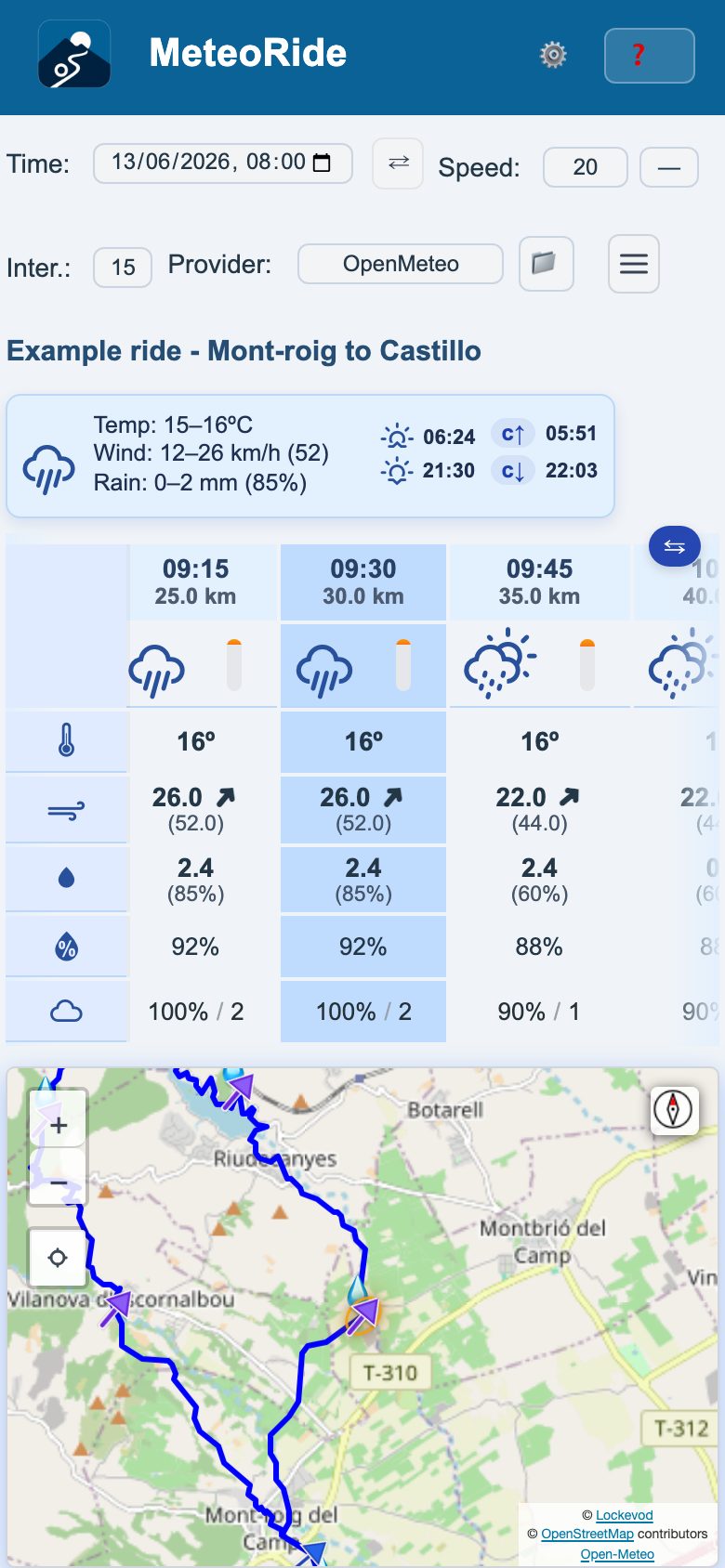
Three providers, side by side
Open-Meteo, global and up to 14 days ahead, is the default. AROME-HD from Météo-France gives high resolution over France and nearby countries for 36 hours. OpenWeather works with your own key. Choose Compare to see them together, or press ⇄ and then ⟲ to compare two start times.
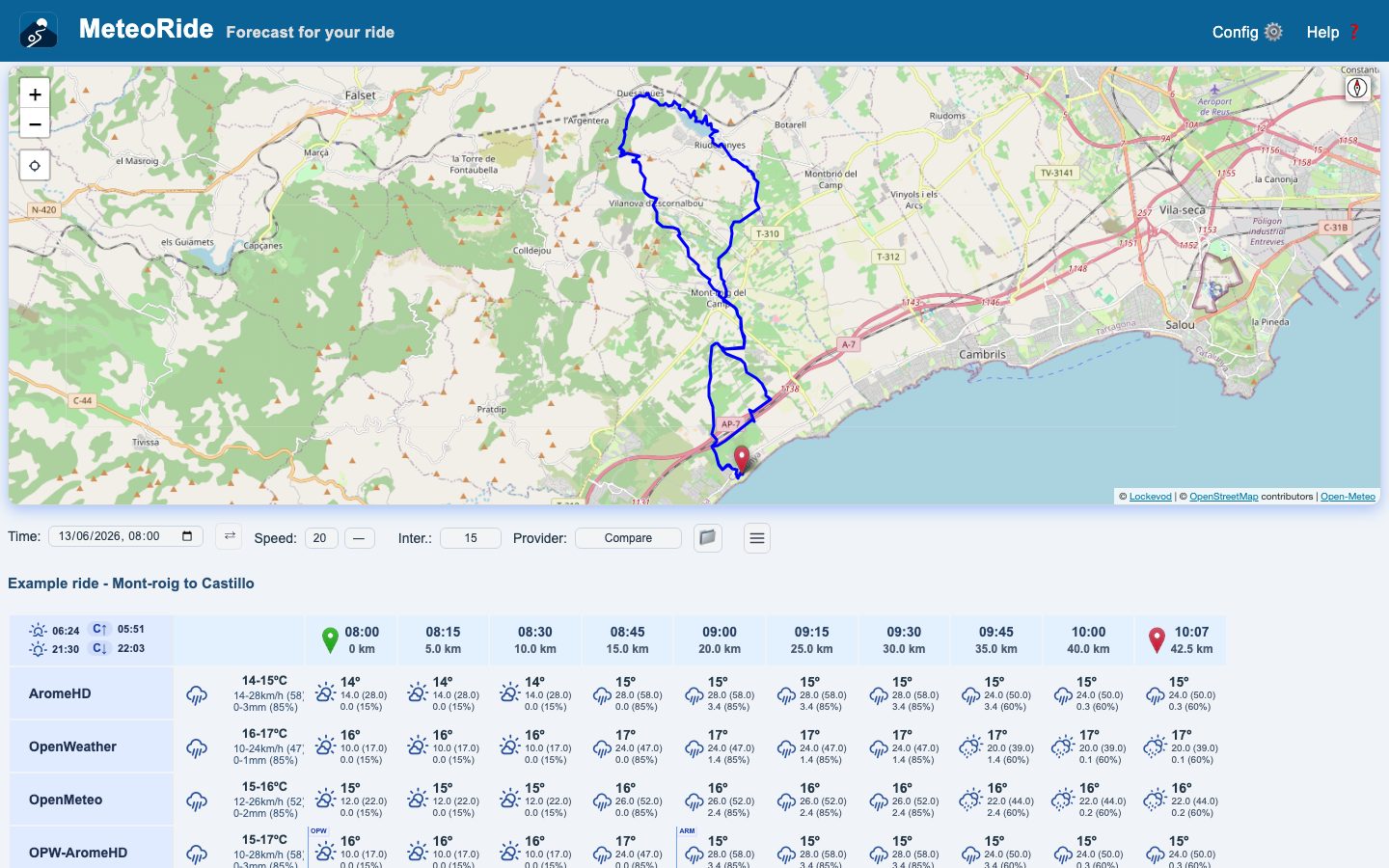
Warnings, and a heads-up if it changes
With an OpenWeather key, the official warnings that overlap your ride appear with the route. The app keeps watching it and sends you a notification like this one if the weather turns worse.
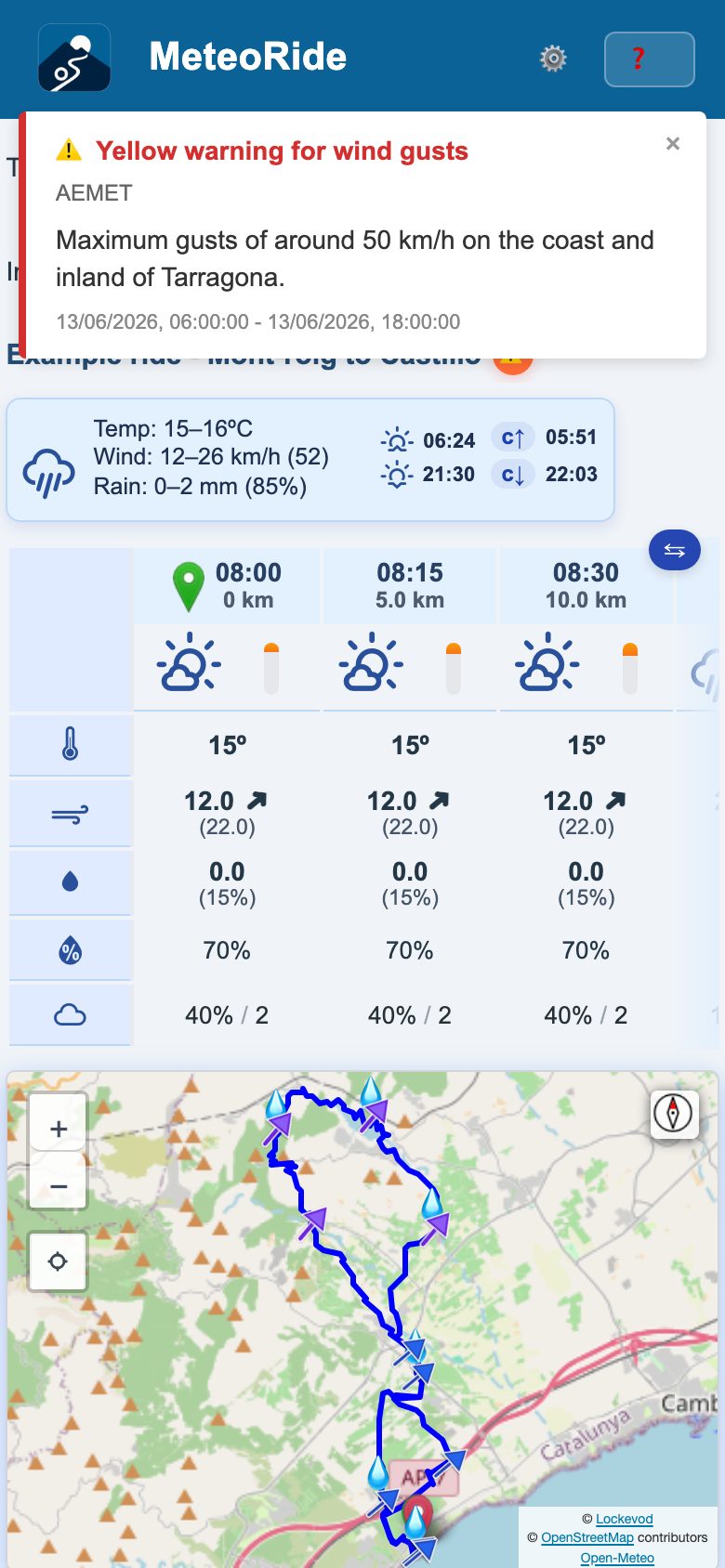
MeteoRide · now
⚠️ Official warning · Example ride - Mont-roig to Castillo
Official warning: Thunderstorms, yellow level
How it works
Load your route
Open a GPX or KML file, paste a link, or share it from another app.
Start time and speed
When you set off and your average speed: MeteoRide works out when you reach each point.
See the weather
A table and a map with the forecast along the route, every 15 or 30 minutes.
See it working
Get MeteoRide
-
iPhone
Free on the App Store.
-
Android
Install the APK from GitHub. Android 7 or later. Coming to Google Play.
Download the APK Installation steps -
Web
Nothing to install: open it in your browser, on a computer or a phone.
Open the web app
Private by design
- No account, no sign-up, no ads, no analytics, no tracking.
- Your settings and recent routes are stored on your device.
- Open source under the MIT licence: anyone can check what it does.
Questions
Is it free?
Yes. MeteoRide is free, with no account and no ads.
Do I need an API key?
No. Open-Meteo and AROME-HD work without one. Only OpenWeather, and the official warnings that come from it, need your own key, which you enter in Settings.
Does it work out of signal?
In the app, if you prepare it: press 📴 at home and the route keeps its forecast. Opening the app brings back the last route with its table, and a forecast up to twelve hours old is still shown, labelled with its age. The map background needs a connection and may be blank.
How accurate is it?
As accurate as the forecast it comes from: MeteoRide shows what the providers forecast, it does not make its own. From day 3 or 4 onwards forecasts are markedly less reliable. Compare sources when the decision matters, and check your official weather service before a ride that could be affected.
Does it work with Garmin or Karoo?
MeteoRide runs on your phone or computer, not on the head unit. The app shares the route as a GPX with any app that accepts it, such as your head unit's. On the web, an optional userscript sends it to the Hammerhead dashboard.
What happens to my data?
There is no account. Your settings, routes and key are kept on your device. To compute the forecast, the route's points go to the weather providers, and the map is loaded from OpenStreetMap; the privacy policy lists exactly what each one receives.
Try it now with an example route
A route already loaded, with its forecast. No file needed.
Open the example